Tab Widgets v1.16 – Bottom Dock, Ambient Sounds & Search with Links
Tab Widgets v1.16 adds a Bottom Dock, Ambient Sounds and Search with Links widgets, a faster widget picker, and more room for free dashboards.

Published
Tab Widgets v1.16 gives you more ways to organize and use your new tab. Keep extra widgets close in the new Bottom Dock, build a search bar with your own shortcuts using Search with Links, and mix background audio with the new Ambient Sounds widget. The widget picker has also been redesigned to make a growing library easier to browse.
Watch the release video
Bottom Dock: extra spaces on every page
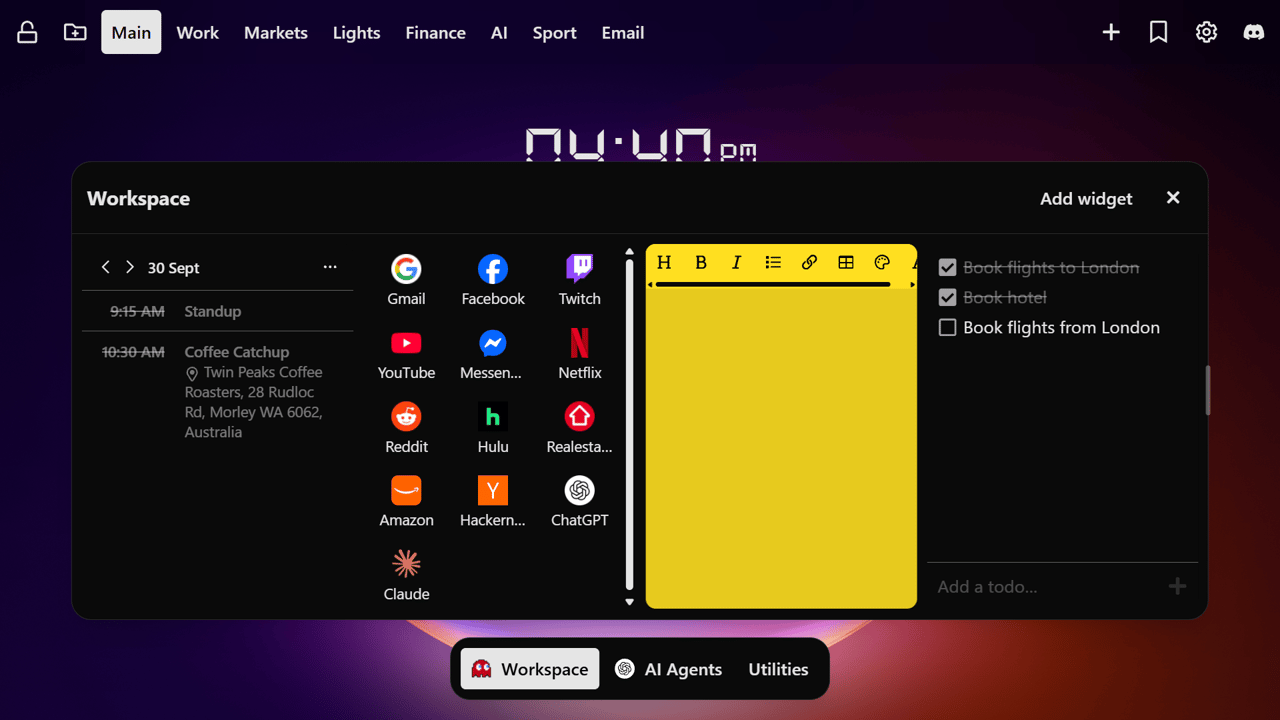
The Bottom Dock holds widget spaces you can open from any dashboard page. Make a space for work tools, another for music or reference material, and keep your main page clear. Each space has its own widgets, and you can reorder spaces in the dock, resize an open panel, or add a widget directly from that panel.
Create a space with Add space in the dock. Use the space menu to edit its name, add a widget, or delete it. You can turn the dock on or off in General settings.
Pro adds custom icons for dock spaces and an option to preload a space's widgets so it opens faster.
Search with Links: search and shortcuts together
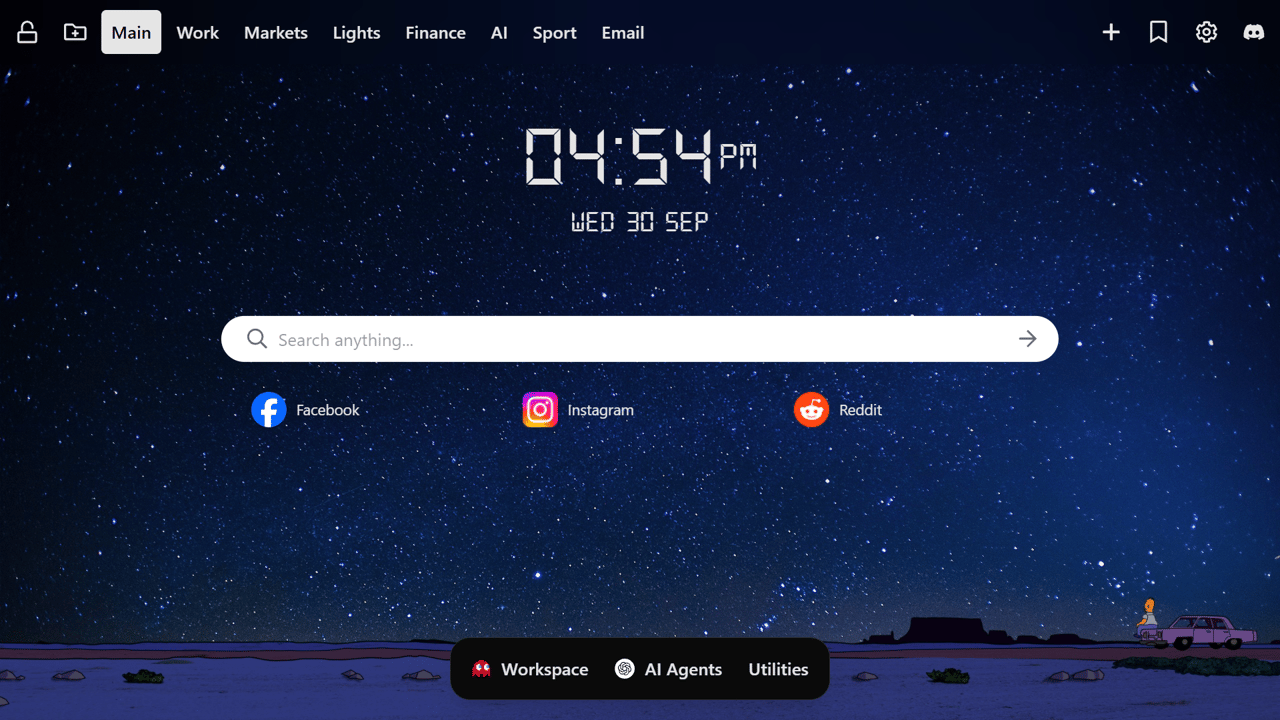
The new Search with Links widget combines a customizable search bar with your own links underneath. Choose a search provider from the bar, or type its shortcut followed by Space or Tab to switch providers. Add, reorder, and group the links you use most, all on a transparent widget that fits your wallpaper.
The free version supports one link group with up to five links in list view. Pro unlocks more groups and links, grid layouts, and sorting by last visit. You can also choose whether the widget remembers your last search provider or active link group.
Ambient Sounds: build a focus mix
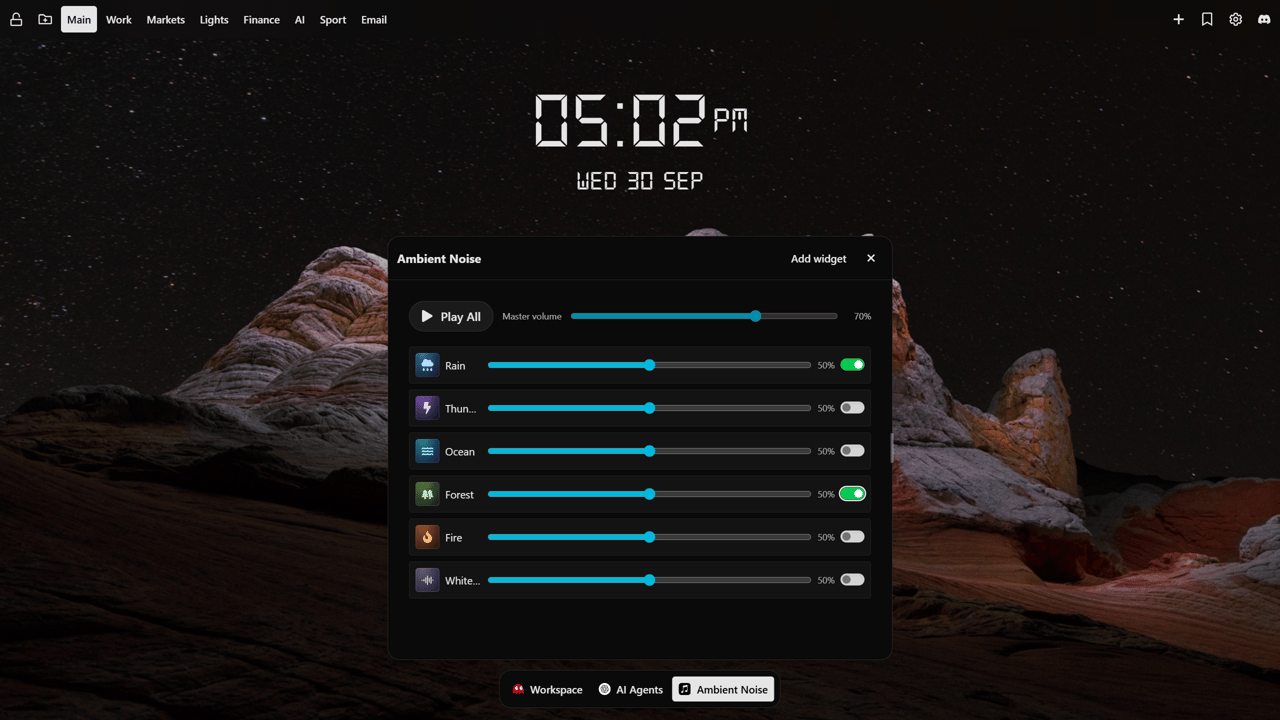
The new Ambient Sounds widget lets you layer rain, thunder, ocean, forest, fire, and white noise. Switch each sound on or off, adjust its individual volume, then use the master volume and Play All/Pause All controls for the whole mix.
Your mix is saved, and playback starts paused when you open a new tab, so the sounds only play when you choose.
Find widgets faster
The Add widget window now has clearer categories, a Featured view, and a Saved widgets view. Save widgets you use often so they are easy to find the next time you build a page or dock space. Search still works across the library.
More improvements since v1.15.3
- Free dashboards can now have up to two pages and dock spaces combined.
- The Digital Clock has a cleaner layout across different widget sizes.
- Settings include more tooltips to explain controls.
Get Tab Widgets
The new widgets and Bottom Dock are available to all users. Pro adds unlimited widgets, pages and dock spaces, cloud sync, and advanced customization.