01 / YOUR EVERYDAY
A little more you.A lot less tab switching.
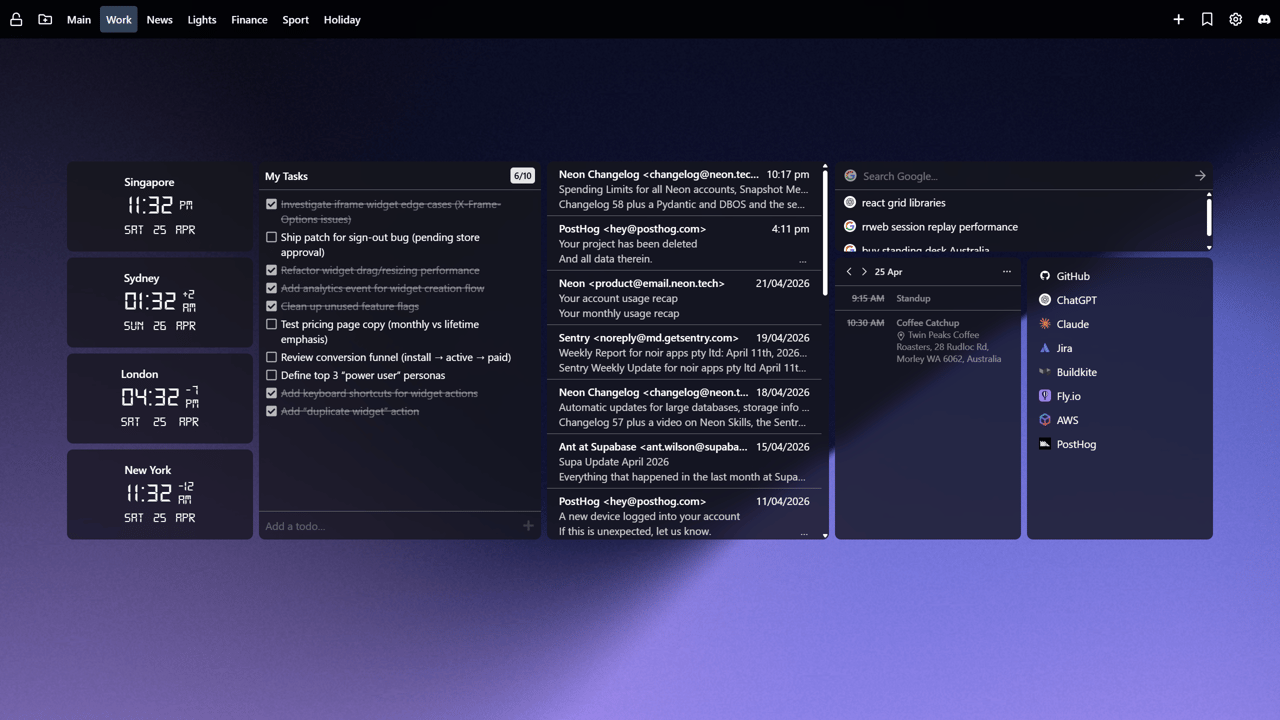
Check the weather, jot down an idea, catch up on your feeds and play something good. Your daily essentials, right where you open a tab.
- Weather
- Notes
- RSS feeds
- Music
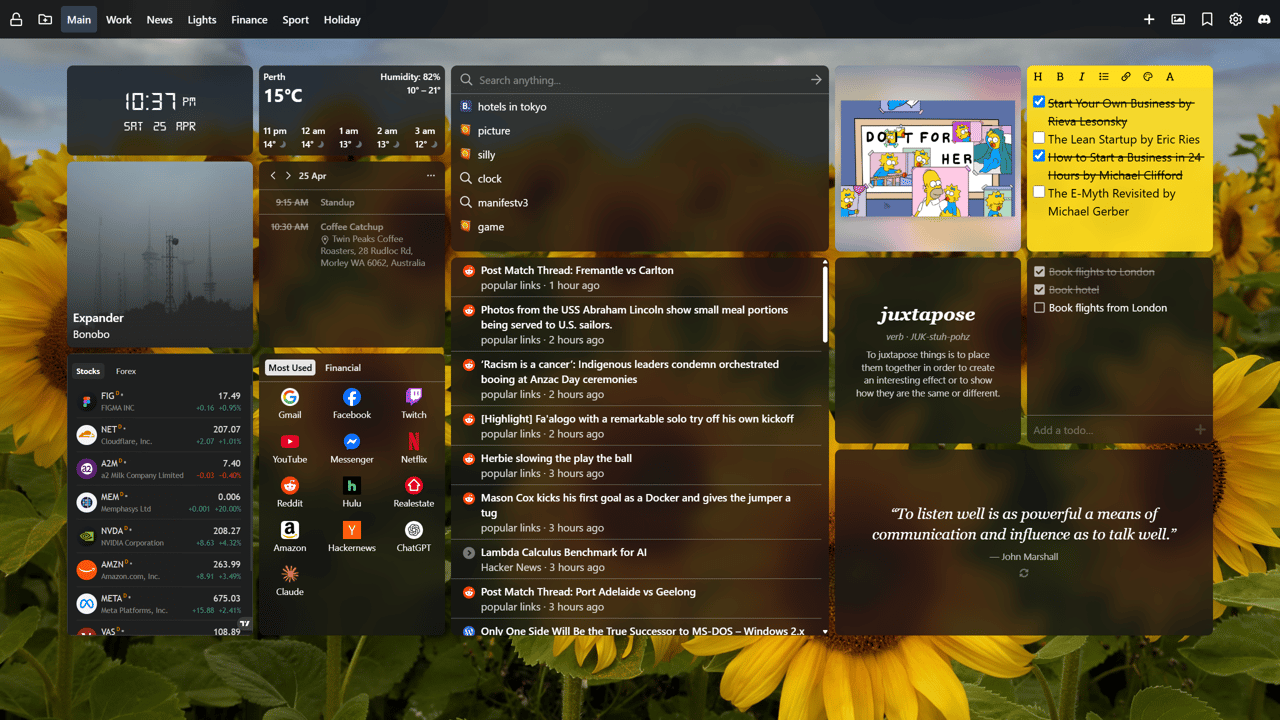
Notes, tasks, calendar, weather, RSS feeds and 70+ widgets – all in one place.
No account needed · Free to use · 70+ widgets
 Hitachi
 The Washington Post
 Milwaukee Public Schools
 MD Anderson Cancer Center
 Sunrise School Division
A space that fits you
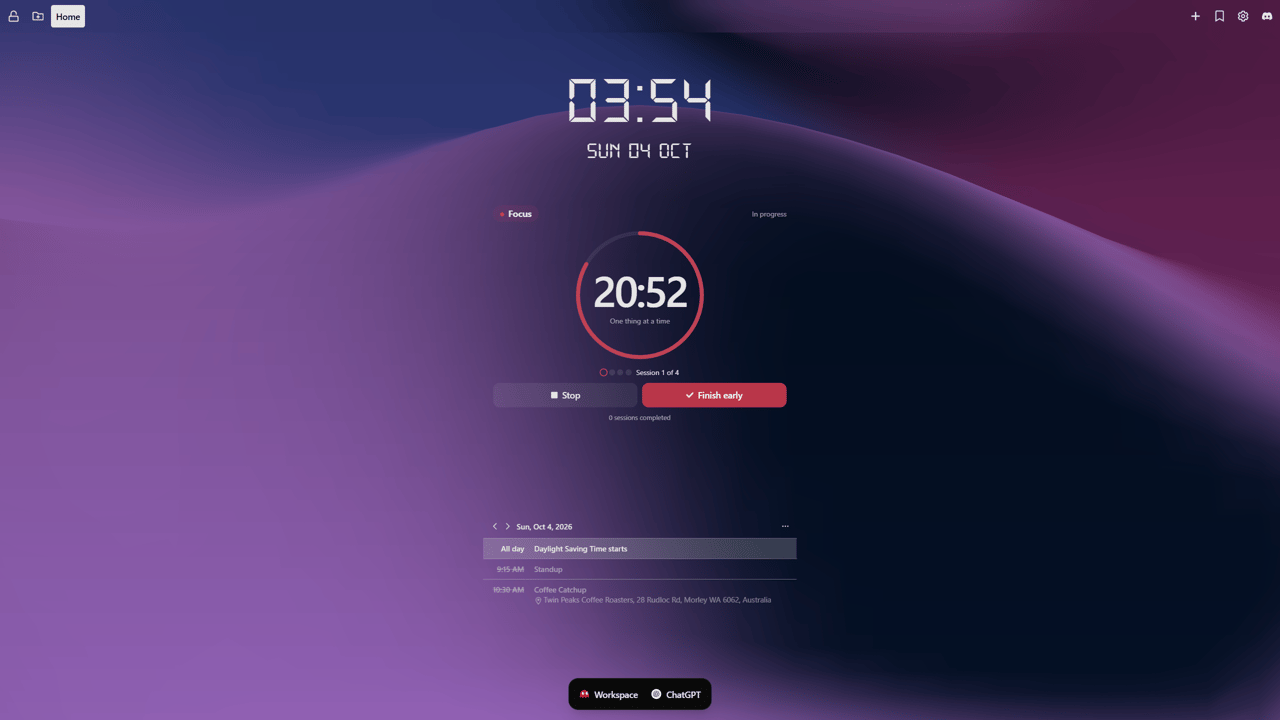
Keep it beautifully simple. Or build your own command centre. You choose what belongs in your new tab.
01 / YOUR EVERYDAY
Check the weather, jot down an idea, catch up on your feeds and play something good. Your daily essentials, right where you open a tab.
Pick your pieces
Practical, playful, or a bit of both.
Find the tools you want to keep close.
Displays the current weather forecast for a specified location.
Easily create, organize, and prioritize your tasks and reminders. Quickly jot down your notes and stay organized effortlessly.
An organized collection of bookmarks for quick and easy access.
A versatile and customizable search bar supporting multiple providers, with a history feature to track past searches.
Displays the local time of a chosen location in a digital format, with optional unlit LCD segments drawn behind each digit.
Display an RSS feed. Supports multiple feeds, OPML feed lists, and scanning a page for an available RSS feed.
Display a random inspirational quote, with optional author attribution. You can choose how often the quote changes, from every time you open the new tab to once a day.
Convert between 180+ world currencies with live exchange rates. Supports major fiat currencies, cryptocurrencies, and precious metals with bidirectional conversion.
Meet your dock
Keep your dashboard focused and your extra widgets close. Group them into dock spaces, then open the one you need from the bottom of any page.
A little inspiration
Ideas for the week: make time for a walk, start that side project, and find something new to learn.
A peek at the dock. Choose a space to explore.
“This is what I've been looking for,
for years!”
Unlock Google Drive, Gmail, Calendar, Tasks, RSS, Spotify, cloud sync, and unlimited dashboards.
Cancel anytime. 30-day money-back guarantee.
Unlock premium widgets and features including:
Google Calendar - keep upcoming events and meetings in view, and create or edit them without leaving your new tab.
Gmail - triage unread and starred emails, archive, star or trash them with undo, and stay on top of multiple inboxes directly from your new tab.
Google Tasks - add, tick off and reorder tasks across your lists, with subtasks and due dates.
Google Drive - search files, open recent uploads, upload by drag and drop, and manage files without leaving your dashboard.
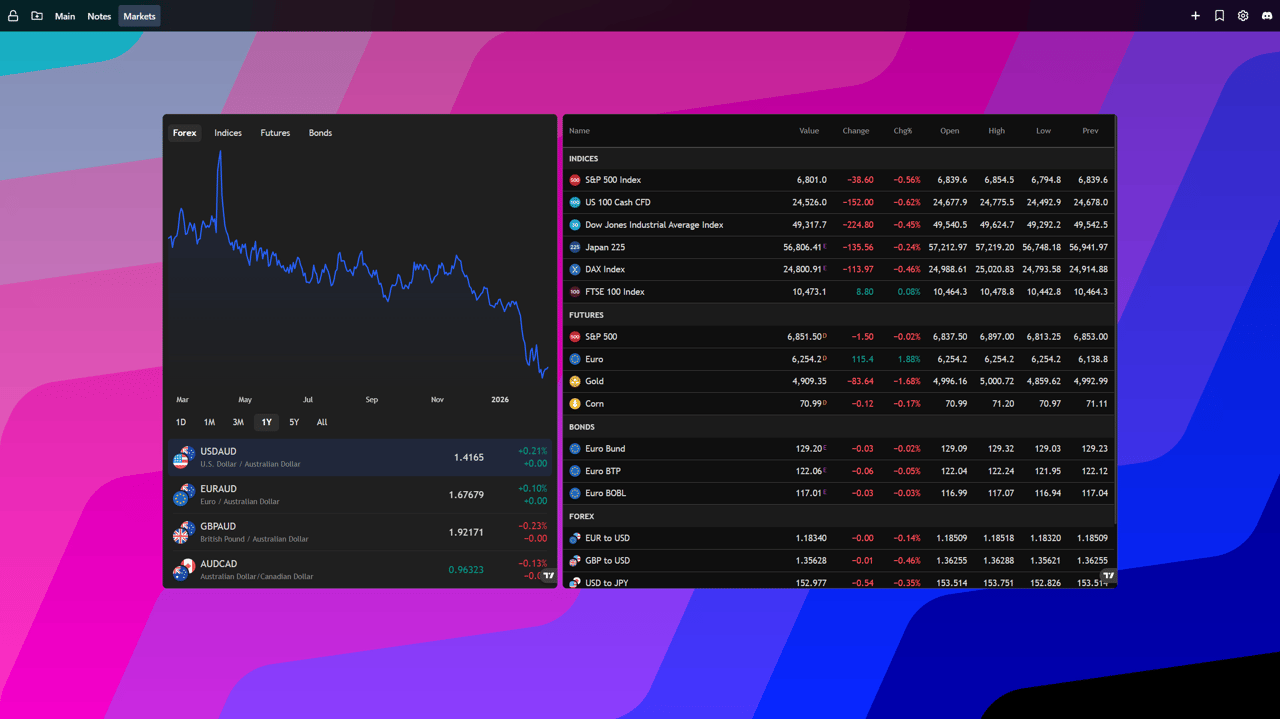
Stock & Finance - follow markets, prices, and key financial data at a glance.
iFrame - embed exactly what you need, hide distractions, and fine-tune the view with custom CSS.
RSS Feeds - keep up with your favorite sites, blogs, and newsletters in one place.
Spotify - control playback and see what's playing without breaking focus.
Images - showcase photos, artwork, and visual inspiration to make every new tab feel more personal.
Secure checkout powered by Stripe, Inc. Cancel anytime. No lock in contracts. No hidden fees. 30-day money-back guarantee.